
✨ What will we explore?
Got inspiration but need a bit of direction? Tell GAZAI Chan your purpose, style, and what you want to make, and shape your creative ideas together. Want to switch topics? No problem, you can come back to older chats anytime!
🚀 Follow along, step by step!
- Open the chat panel: On your canvas, open the GAZAI Chan chat panel. Pick a creative goal for this session, or just type what you need.
- Say clearly what you want: Describe the result, purpose, and style you're after. For example: "Help me plan a poster for a coffee shop opening, with warm colors and space left for a title."
- Attach reference images: When you need an image reference, use the chat's add image feature, and check your material before sending the message.
- Start a new topic: To talk about something different, just click "New chat" in the title bar. Your old chat stays in this canvas's history.
- Look back at old chats: Click "Chat history" to open the list, where you can search your chats and choose the one you want to revisit.
🖼️ Compare with your screen
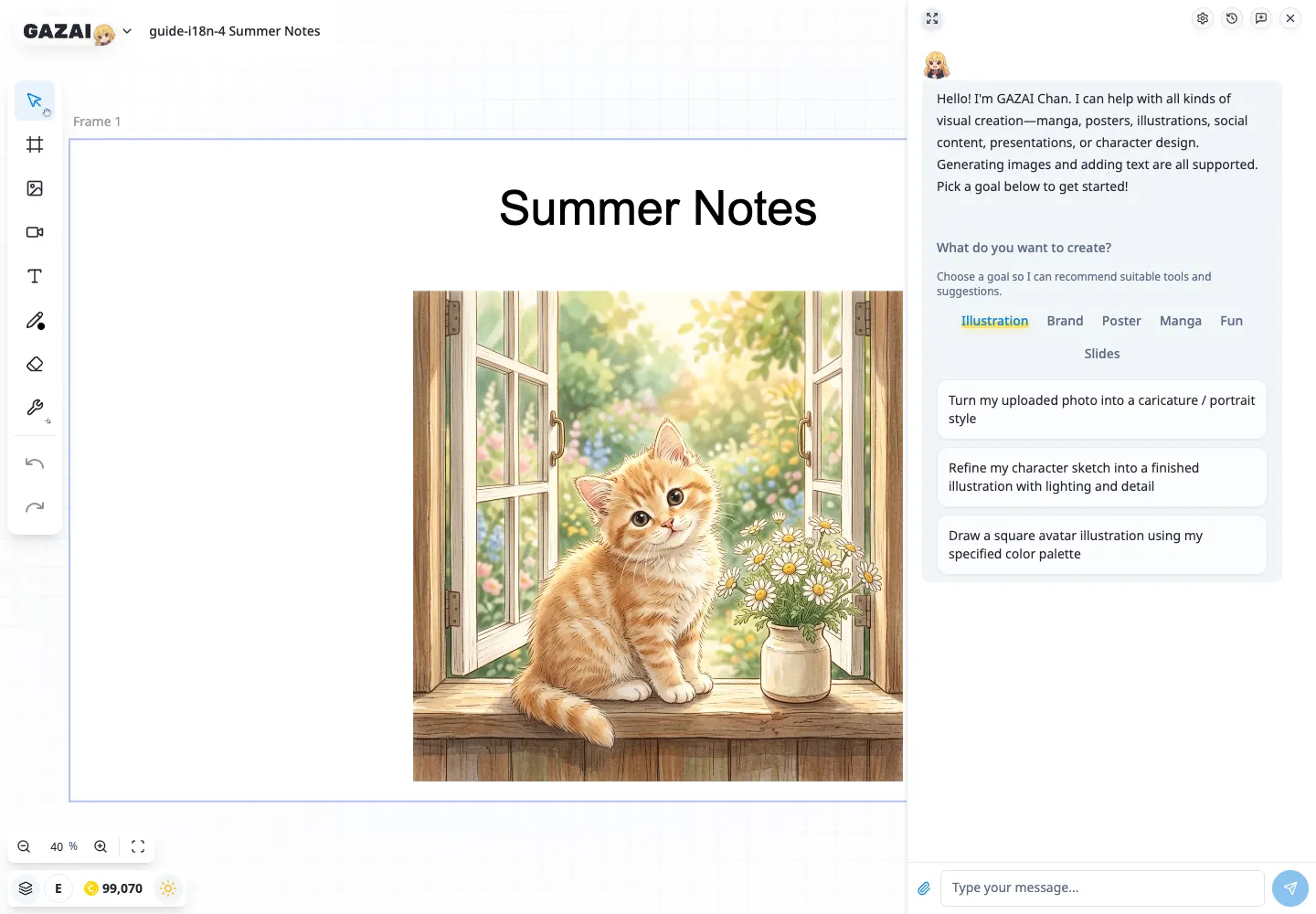
🛠️ Stuck? Check here first
- Can't find an earlier chat?History belongs to the canvas, so you'll only see chats from the canvas you have open. A blank canvas may not have any history yet.
- The AI finished. What now?Remember to check that what's on your canvas is what you wanted. The points needed for generating and editing are whatever the screen shows at the time.
- Want to delete a chat?Before you do, make sure there's nothing in it you want to keep.